This product was not featured by Product Hunt yet. It will not be visible on their landing page and won't be ranked (cannot win product of the day regardless of upvotes).
Select & Explain
Explain any term in context — 100% local, no account
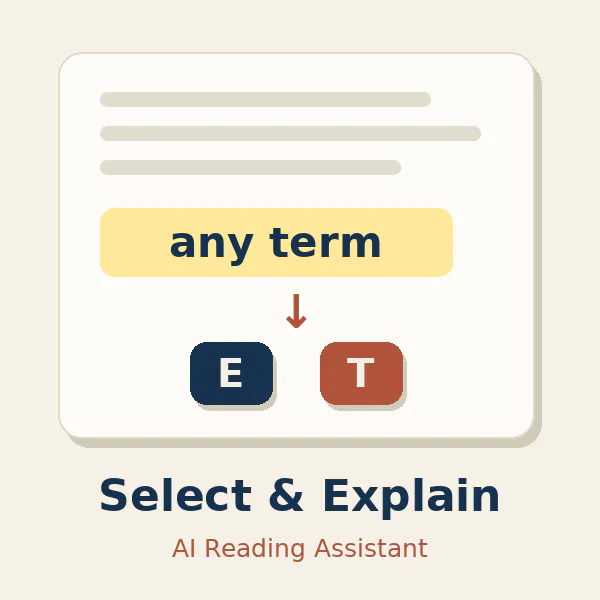
Reading dense papers in a second language means constantly tab-switching to Google. Select & Explain fixes that: highlight any term, press Alt+E, and get a context-aware explanation right next to it — it reads the surrounding paragraph, so you get what the term means in THIS paper. Unlike other AI extensions: 100% local & private (your key, your browser, zero servers), answers in any language, and a one-time $5 with your own API key — no subscription.
Hi Product Hunt! 👋
I built Select & Explain because I don't want to turn on a new page every unfamiliar term while reading papers in English (my second language).
Now just select the word, hit Alt+E, and the explanation opens right next to it — context-aware, because it reads the surrounding paragraph. I can even ask follow-ups in the same card, like "give me an example."
A few things I cared about:
🔒 100% local — your API key and history never leave your browser. No account, no tracking.
🌍 Answers in your language — type any language in settings.
💸 One-time $5, bring your own key (OpenAI, Claude, Gemini, and more). No subscription.
Would love your feedback — especially from anyone who reads a lot in a second language. Happy to answer any questions!
No comment highlights available yet. Please check back later!
About Select & Explain on Product Hunt
“Explain any term in context — 100% local, no account”
Select & Explain was submitted on Product Hunt and earned 0 upvotes and 1 comments, placing #140 on the daily leaderboard. Reading dense papers in a second language means constantly tab-switching to Google. Select & Explain fixes that: highlight any term, press Alt+E, and get a context-aware explanation right next to it — it reads the surrounding paragraph, so you get what the term means in THIS paper. Unlike other AI extensions: 100% local & private (your key, your browser, zero servers), answers in any language, and a one-time $5 with your own API key — no subscription.
Select & Explain was featured in Chrome Extensions (52.8k followers), Education (79.4k followers), Artificial Intelligence (481.9k followers) and OpenAI Day (53 followers) on Product Hunt. Together, these topics include over 185.1k products, making this a competitive space to launch in.
Who hunted Select & Explain?
Select & Explain was hunted by lisha zhu. A “hunter” on Product Hunt is the community member who submits a product to the platform — uploading the images, the link, and tagging the makers behind it. Hunters typically write the first comment explaining why a product is worth attention, and their followers are notified the moment they post. Around 79% of featured launches on Product Hunt are self-hunted by their makers, but a well-known hunter still acts as a signal of quality to the rest of the community. See the full all-time top hunters leaderboard to discover who is shaping the Product Hunt ecosystem.
Want to see how Select & Explain stacked up against nearby launches in real time? Check out the live launch dashboard for upvote speed charts, proximity comparisons, and more analytics.

 lisha zhu