This product was not featured by Product Hunt yet. It will not be visible on their landing page and won't be ranked (cannot win product of the day regardless of upvotes).
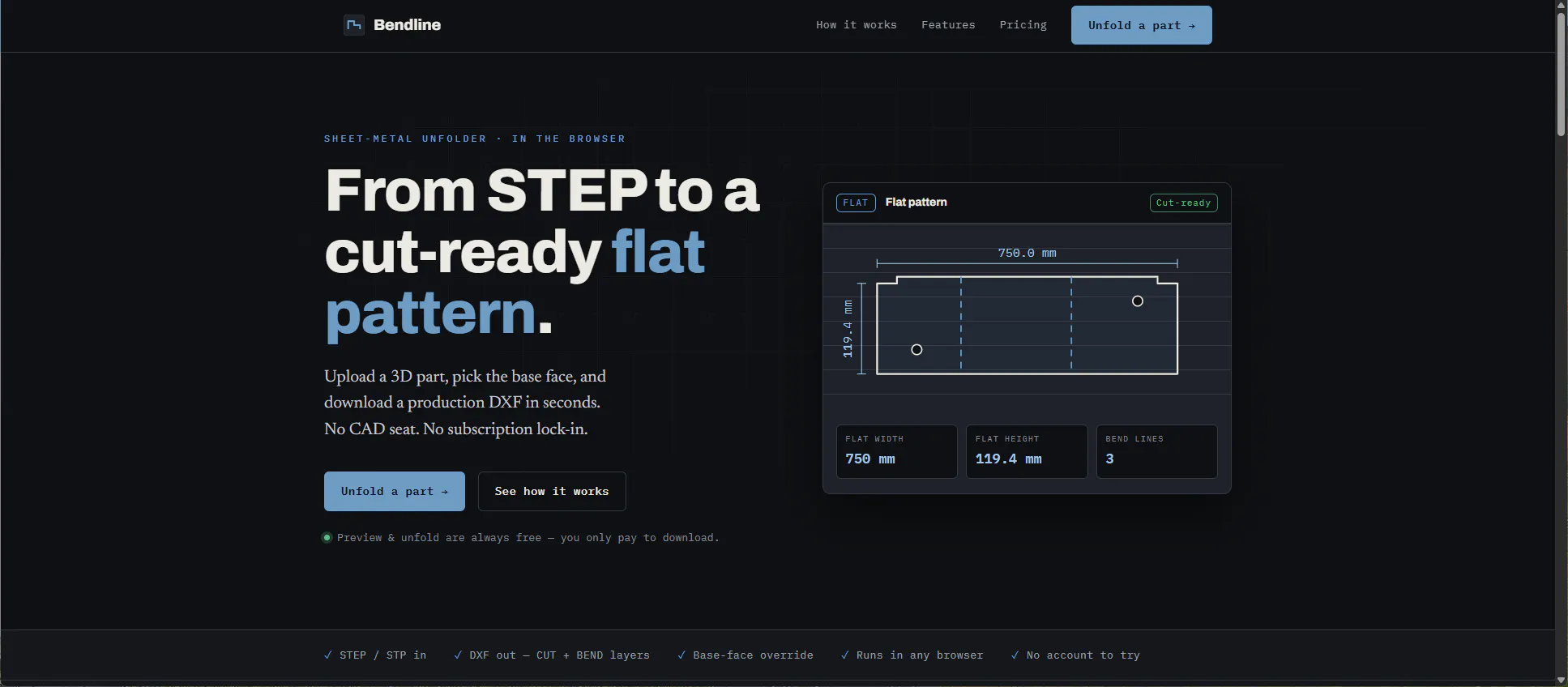
Upload a 3D sheet-metal STEP part and Bendline unfolds it to a cut-ready DXF — CUT and BEND on separate layers — right in the browser. Preview and unfold are free; pay only when you download. No CAD licence, no install.
Hi Product Hunt 👋 I run a small fab shop and kept hitting the same wall: to get a flat pattern from a customer's STEP file, someone needed an expensive CAD seat open just to unfold one part. So we built Bendline. Drop in a .step/.stp part, pick the base face (or let it auto-detect), set thickness and K-factor, and you get a cut-ready DXF with CUT and BEND on separate layers — plus a dimensioned PDF drawing with a bend schedule, an on-screen bend table, and a press-brake CSV. There's an API too, from the entry plan. The whole preview + unfold is free and needs no account — you only pay to download (a £9 pack of 10, or a monthly plan). The geometry engine is the same OpenCASCADE/FreeCAD stack the desktop tools use, just running server-side so there's nothing to install. It's early, and I'd genuinely love feedback from anyone who bends metal — especially where the unfold disagrees with what your brake actually does. Happy to answer anything.
Uploaded a tricky flanged part and it unfolded with cut and bend on separate layers exactly like I needed, no CAD install which is a huge plus for quick quotes.
Dropped a STEP file in and the unfold preview showed up instantly with bends on their own layer, which is exactly what I needed for my shop. Free preview is a nice touch, no CAD install is even better.
The layered DXF split is super useful for our laser shop. One thing that would save a lot of back and forth: let us set a custom bend allowance or K-factor per material before unfolding. Right now we have to adjust in CAD after exporting, which defeats the in-browser speed a bit.
About Bendline on Product Hunt
“Sheet-metal unfolder in your browser”
Bendline was submitted on Product Hunt and earned 11 upvotes and 8 comments, placing #71 on the daily leaderboard. Upload a 3D sheet-metal STEP part and Bendline unfolds it to a cut-ready DXF — CUT and BEND on separate layers — right in the browser. Preview and unfold are free; pay only when you download. No CAD licence, no install.
Bendline was featured in Design Tools (263.6k followers) and Maker Tools (2.9k followers) on Product Hunt. Together, these topics include over 49.2k products, making this a competitive space to launch in.
Who hunted Bendline?
Bendline was hunted by Simon Ridley. A “hunter” on Product Hunt is the community member who submits a product to the platform — uploading the images, the link, and tagging the makers behind it. Hunters typically write the first comment explaining why a product is worth attention, and their followers are notified the moment they post. Around 79% of featured launches on Product Hunt are self-hunted by their makers, but a well-known hunter still acts as a signal of quality to the rest of the community. See the full all-time top hunters leaderboard to discover who is shaping the Product Hunt ecosystem.
Want to see how Bendline stacked up against nearby launches in real time? Check out the live launch dashboard for upvote speed charts, proximity comparisons, and more analytics.

 Simon Ridley