This product was not featured by Product Hunt yet. It will not be visible on their landing page and won't be ranked (cannot win product of the day regardless of upvotes).
Product upvotes vs the next 3
Waiting for data. Loading
Product comments vs the next 3
Waiting for data. Loading
Product upvote speed vs the next 3
Waiting for data. Loading
Product upvotes and comments
Waiting for data. Loading
Product vs the next 3
Loading
ScanChat PDF
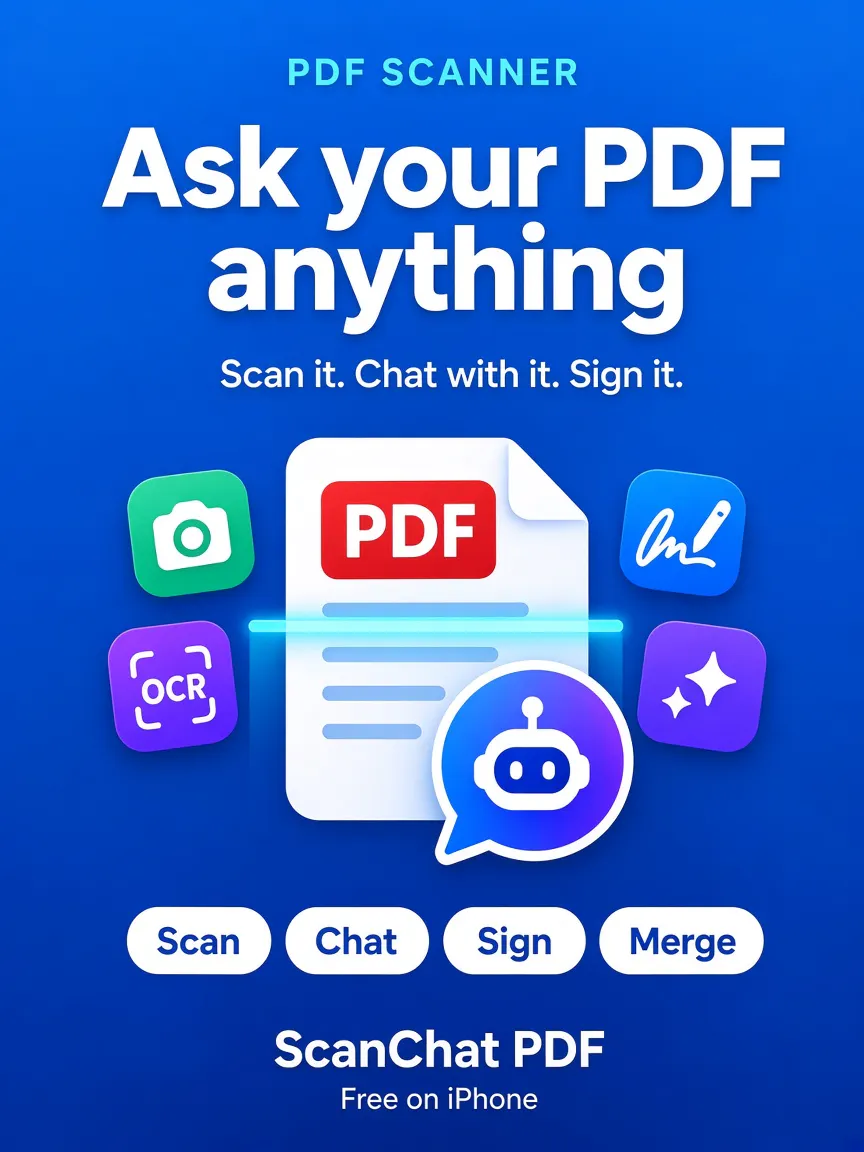
Scan a PDF, then ask it questions with the page cited
Most scanners stop when the PDF is saved. ScanChat PDF lets you scan a page on iPhone and ask the document a question. The answer comes from the file itself and includes the page it came from. OCR makes photos of bills, contracts, and notes searchable. You can also sign, highlight, merge, split, compress, and turn images into a PDF. Scanning, signing, merging, and the search index stay on the phone. No account required. Free on the App Store.
I built ScanChat PDF because I kept photographing a bill or a contract, then scrolling the PDF to find one line: the due date, the amount, or a name.
A normal scanner saves the file and stops there. Uploading that same PDF into a separate chat meant making an account and sending the document somewhere else. I wanted both jobs in one iPhone app, with the answer taken from the file and the page shown next to it.
The scan, signature, merge, split, and search index stay on the phone. You can also highlight a page, compress a file, or turn photos into a PDF.
It is free on the App Store. If you try it, tell me which question it should have answered and did not. That is the feedback I am looking for.
https://apps.apple.com/us/app/sc...
About ScanChat PDF on Product Hunt
“Scan a PDF, then ask it questions with the page cited”
ScanChat PDF was submitted on Product Hunt and earned 0 upvotes and 1 comments, placing #382 on the daily leaderboard. Most scanners stop when the PDF is saved. ScanChat PDF lets you scan a page on iPhone and ask the document a question. The answer comes from the file itself and includes the page it came from. OCR makes photos of bills, contracts, and notes searchable. You can also sign, highlight, merge, split, compress, and turn images into a PDF. Scanning, signing, merging, and the search index stay on the phone. No account required. Free on the App Store.
On the analytics side, ScanChat PDF competes within Productivity, Notes and Search — topics that collectively have 690.1k followers on Product Hunt. The dashboard above tracks how ScanChat PDF performed against the three products that launched closest to it on the same day.
Who hunted ScanChat PDF?
ScanChat PDF was hunted by chirag gohil. A “hunter” on Product Hunt is the community member who submits a product to the platform — uploading the images, the link, and tagging the makers behind it. Hunters typically write the first comment explaining why a product is worth attention, and their followers are notified the moment they post. Around 79% of featured launches on Product Hunt are self-hunted by their makers, but a well-known hunter still acts as a signal of quality to the rest of the community. See the full all-time top hunters leaderboard to discover who is shaping the Product Hunt ecosystem.
For a complete overview of ScanChat PDF including community comment highlights and product details, visit the product overview.

 chirag gohil