This product was not featured by Product Hunt yet. It will not be visible on their landing page and won't be ranked (cannot win product of the day regardless of upvotes).
Product upvotes vs the next 3
Waiting for data. Loading
Product comments vs the next 3
Waiting for data. Loading
Product upvote speed vs the next 3
Waiting for data. Loading
Product upvotes and comments
Waiting for data. Loading
Product vs the next 3
Loading
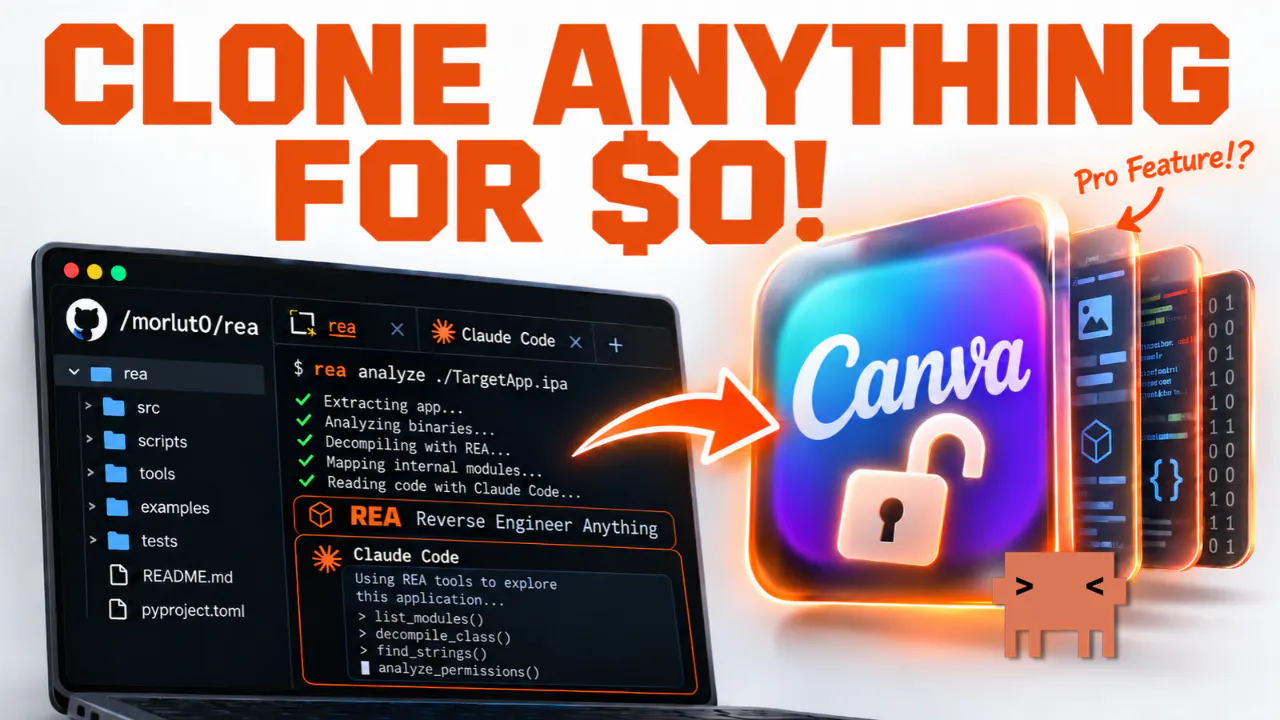
Clone Canva Pro’s Feature for FREE
Build your own design editor with REA and Claude Code
Can REA and Claude Code help you recreate Canva-style Smart Resize without writing code? In this beginner-friendly tutorial, I start with the open-source Vue Fabric Editor, use REA to investigate how it works, and let Claude Code build Reframe Studio. Watch one design become three editable layouts for YouTube, Instagram posts, and Stories. I'll also test the results, show REA's limitations, and explain what still needs manual adjustments.
Hey Product Hunt! 👋
I've been curious about how far REA and Claude Code can go when it comes to recreating useful features from existing apps.
So I decided to put them to the test with Canva's Smart Resize.
Instead of building everything from scratch, I started with an open-source design editor, used REA to investigate its code, and asked Claude Code to build our own version called Reframe Studio.
The result is a working design editor that can turn one design into three editable formats: YouTube thumbnails, Instagram posts, and Stories.
Of course, it's not a perfect replacement for Canva. Some layouts still need manual adjustments, and REA can't explain everything on its own.
But that's exactly what I wanted to explore in this tutorial.
I'd love to hear your thoughts! What's one premium app feature you'd like to recreate using AI?
And if you want to follow along, comment "AI Fire" on the YouTube video to get the prompts and commands I used.
About Clone Canva Pro’s Feature for FREE on Product Hunt
“Build your own design editor with REA and Claude Code”
Clone Canva Pro’s Feature for FREE was submitted on Product Hunt and earned 0 upvotes and 1 comments, placing #385 on the daily leaderboard. Can REA and Claude Code help you recreate Canva-style Smart Resize without writing code? In this beginner-friendly tutorial, I start with the open-source Vue Fabric Editor, use REA to investigate how it works, and let Claude Code build Reframe Studio. Watch one design become three editable layouts for YouTube, Instagram posts, and Stories. I'll also test the results, show REA's limitations, and explain what still needs manual adjustments.
On the analytics side, Clone Canva Pro’s Feature for FREE competes within Productivity, Artificial Intelligence and YouTube — topics that collectively have 1.2M followers on Product Hunt. The dashboard above tracks how Clone Canva Pro’s Feature for FREE performed against the three products that launched closest to it on the same day.
Who hunted Clone Canva Pro’s Feature for FREE?
Clone Canva Pro’s Feature for FREE was hunted by AI Fire. A “hunter” on Product Hunt is the community member who submits a product to the platform — uploading the images, the link, and tagging the makers behind it. Hunters typically write the first comment explaining why a product is worth attention, and their followers are notified the moment they post. Around 79% of featured launches on Product Hunt are self-hunted by their makers, but a well-known hunter still acts as a signal of quality to the rest of the community. See the full all-time top hunters leaderboard to discover who is shaping the Product Hunt ecosystem.
For a complete overview of Clone Canva Pro’s Feature for FREE including community comment highlights and product details, visit the product overview.

 AI Fire